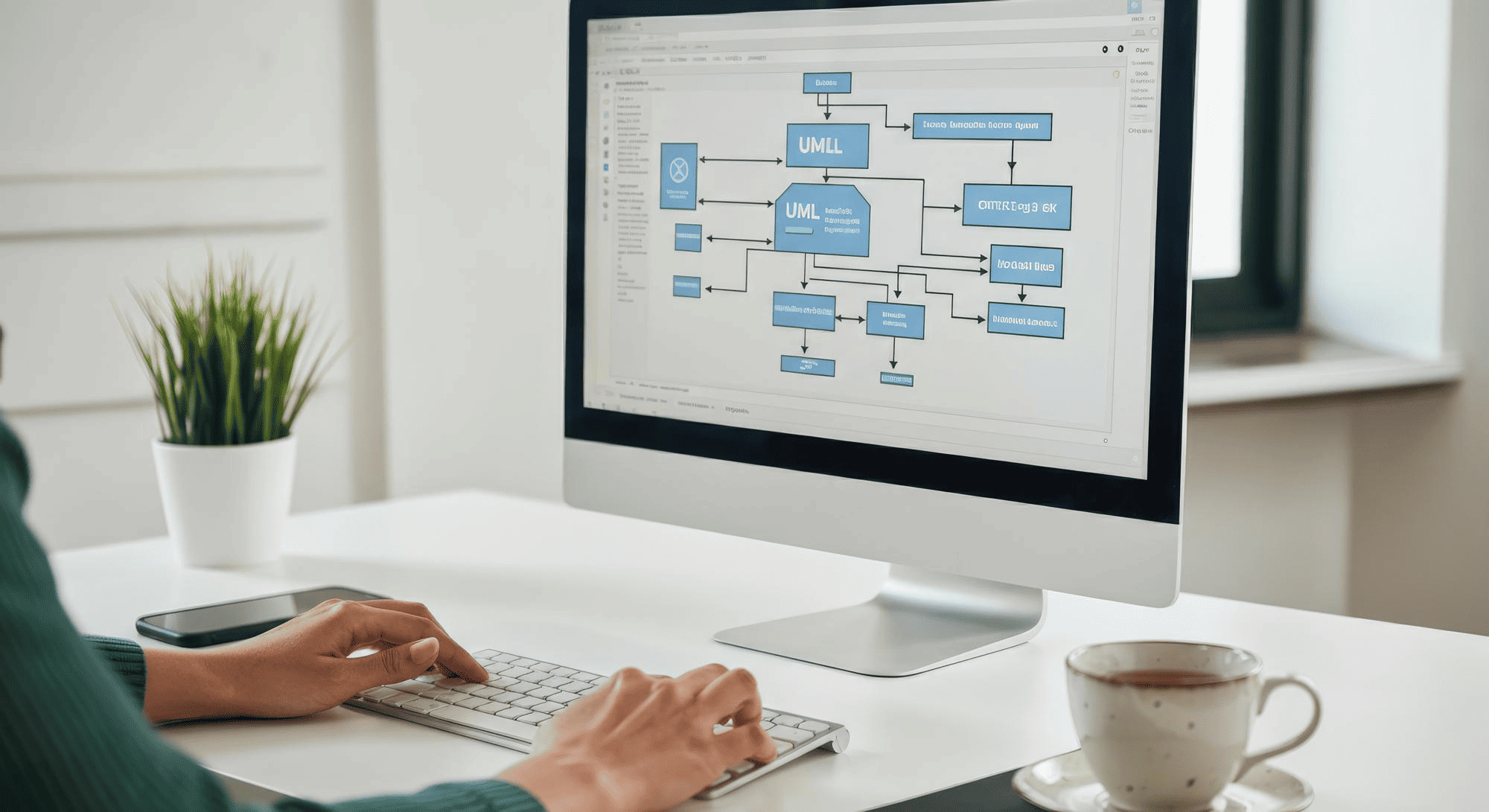
Website structure is how your pages are organized and linked together. It directly affects your Google rankings and how visitors behave on your site in 2026 and beyond.
A clear structure helps search engines crawl your pages, understand your topics, and decide which URLs to rank for important keywords. Good structure also helps real users in the USA find information fast. This lowers bounce rates and increases conversions.
Consider a US-based online clothing store that simplified its category structure in 2025. By reorganizing product pages into logical groups and reducing click depth, the store saw measurable improvements in organic traffic within a few months.
This article focuses on practical, US-wide SEO practices that any business can apply during planning, redesign, or ongoing optimization.
Website structure is the way all URLs on a domain are grouped, ordered, and connected through navigation and internal links. Think of it as the blueprint for your entire site.
Most sites use a hierarchical structure with the homepage at the top. Core categories sit under it. Detailed pages sit under those. This creates a logical path from broad topics to specific content.
Search engines follow internal links and sitemaps to discover pages. They use the site structure to judge which pages matter most. Pages with more internal links pointing to them signal higher importance.
Here is a simple example. A US health blog might organize content like this:
| Level | Example URL |
|---|---|
| Homepage | example.com |
| Category | example.com/exercise/ |
| Category | example.com/nutrition/ |
| Category | example.com/mental-health/ |
| Article | example.com/nutrition/protein-guide/ |
Structure decisions should be made early. Before large content growth, plan your categories and URL patterns. This avoids messy navigation and URL changes later.
Structure affects both search visibility and user experience. Google increasingly measures how users interact with pages. A confusing structure leads to frustrated visitors who leave quickly.
Pages closer to the homepage (1–3 clicks away) often receive more internal links. Search engine crawlers visit these pages more frequently. This gives them a better chance to rank.
Clear categories and subcategories help Google understand topical clusters. When related pages link together, search engines see your site as an authority on those themes. This builds topical authority over time.
Structure also impacts engagement metrics. Intuitive paths keep users on-site longer. They guide visitors from educational content to product pages or lead forms. This supports both the user journey and business goals.
Consider a US B2B software company. It might group pages into /solutions/, /industries/, and /resources/. This structure supports both SEO visibility and sales journeys. Visitors can easily find what they need while search engines understand the site’s focus areas.

Googlebot follows links from the homepage to deeper pages. It discovers new content by crawling the paths you create. If a page has no internal links, it becomes orphaned. Search engine bots may never find it.
For most US business sites under a few thousand URLs, keep important pages no more than 3 clicks from the homepage. This helps search engines find and index your key pages efficiently.
XML sitemaps support crawling, but strong internal linking is still the primary signal of importance. A sitemap tells Google what exists. Internal links tell Google what matters.
Check crawl paths with common tools a few times per year. Google Search Console shows coverage reports and identifies pages with indexing issues. Widely used crawlers can visualize your site hierarchy and identify site structure issues before they hurt rankings.
Topical authority is the idea that grouped, interlinked content on a subject helps search engines see your site as a trusted source. When you create clusters of related content, you signal expertise.
For example, a US financial education site might have a /credit-scores/ hub. This hub links to detailed guides on disputes, monitoring, and rebuilding credit. Each guide links back to the hub. This creates a strong topic cluster.
Internal links distribute link equity from pages that earn backlinks. If your blog post earns external links, those signals should flow to key category pages and product pages through internal linking.
Map a few core “pillar” pages for your business. Link related blog posts and resources back to those hubs. Use keyword rich anchor text that describes the destination page. This spreads link juice throughout your site.
There is no single structure that fits every site. Most US businesses choose from a few standard patterns based on their content and goals.
The main types include:
Hierarchical (tree) structure
Sequential (linear) structure
Matrix (web-linked) structure
Database-driven structure
Many real sites use a mix. An ecommerce site might use hierarchical navigation for products and a sequential structure for checkout. Choose a core model before development so content, design, and URLs follow one clear pattern.
This is the most common website architecture. The homepage leads to categories. Categories lead to subcategories. Subcategories lead to individual pages.
Consider a US home improvement store with this structure:
| Level 1 | Level 2 | Level 3 |
|---|---|---|
| /tools/ | /tools/power-tools/ | /tools/power-tools/drills/ |
| /appliances/ | /appliances/kitchen/ | /appliances/kitchen/refrigerators/ |
| /outdoor/ | /outdoor/grills/ | /outdoor/grills/gas-grills/ |
This model is strong for SEO. The relationships between topics are very clear to both users and search engines. Each level adds specificity.
Use this pattern for most business, ecommerce, SaaS, and content sites that cover several topics or product lines. It scales well and keeps navigation predictable.
Sequential structure is a straight path where users move step by step. Page A leads to Page B. Page B leads to Page C.
Common examples include:
Online course enrollment flows
Multi-step lead forms
Ecommerce checkout funnels on US retail sites
Onboarding sequences for SaaS products
This works well for focused tasks where users should complete steps in a fixed order. It reduces distractions and guides users toward completion.
Combine sequential flows for conversions with a broader hierarchical structure for the rest of the site. Your main site uses hierarchy. Your checkout or signup process uses a sequence.
A matrix structure features many pages heavily interlinked without a strict parent-child hierarchy. Pages connect in multiple directions based on relevance.
This is common for content-heavy US sites like:
Large knowledge bases
Wikis and reference sites
FAQ collections with cross-references
This model supports deep exploration. Users can follow different pages based on their interests. However, it becomes hard to manage if there are no clear hub pages to anchor the web linked structure.
Use matrix-style linking mainly inside topic clusters. Support it with a hierarchical backbone for main navigation.
Beyond the overall model, certain structural elements show Google and users how the site is organized. These components work together to create a solid site structure.
Key components include:
Homepage
Navigation menus
URL structure
Breadcrumbs
Internal links
Sitemaps
Small improvements in each component add up to large SEO and UX gains over time. Review these elements during every major redesign or CMS migration.
The homepage usually has the most backlinks and authority. It should link clearly to main categories and key pages. This passes authority to your most important pages.
Limit top-level links to a manageable set. For most US business sites, 5–8 primary sections work well. Too many options overwhelm visitors and dilute link equity.
A typical homepage layout might include:
Clear hero summary of what the business offers
Links to main services or product groups
Paths to resources or blog content
Trust signals like testimonials or client logos
Seasonal or campaign content should not replace core links. Keep the permanent site structure stable.
Header navigation, mega menus, and footer links shape the user journey and internal link patterns. They determine which pages users see first.
Group items logically. A US B2B site might use:
| Navigation Section | Content |
|---|---|
| Products | Product categories and features |
| Industries | Vertical-specific pages |
| Resources | Blog, guides, case studies |
| Company | About, careers, contact |
Use the footer to surface important but less prominent pages. These include policies, FAQs, and support hubs.
Good navigation design often requires collaboration. SEO specialists frequently work with teams offering web development services in the USA to align structure with design. This ensures both users and search engines can navigate effectively.
Clean, descriptive URLs help users and search engines understand where a page fits in the hierarchy. Good url structure is readable and logical.
Follow these guidelines:
Keep slugs short and descriptive
Match the page topic (/services/seo-audit/ rather than /page?id=123)
Mirror the site hierarchy in URLs
Use lowercase letters and hyphens
For example, a blog post about technical SEO basics might use: /blog/seo/technical-seo-basics/
Avoid frequent URL changes. If updates are necessary, use 301 redirects and test carefully. Broken URLs hurt both user experience and rankings in search results.
Breadcrumbs are a text path showing where the current page sits in the hierarchy. They typically appear near the top of the page.
Example: Home > Services > SEO > Local SEO
Breadcrumbs help users move up levels quickly. This is especially useful on mobile devices where navigation can feel cramped.
They also give search engines extra clues about hierarchy. Implement breadcrumbs with structured data markup. This can enhance how your pages appear in Google search results.
Enable breadcrumbs in your CMS. Keep names consistent with navigation labels to avoid confusion.
Internal links tie the site’s content together. They should point from high-authority pages to high-priority URLs. This distributes link equity strategically.
Use contextual links in body copy. Link to related services, guides, and category pages with relevant anchor text. Avoid generic phrases like “click here.”
For example, a blog post about site speed might link to:
A core /services/technical-seo/ page
A site performance checklist
Related articles on Core Web Vitals
Agencies such as Outsourcing Technologies often treat internal linking as part of broader technical SEO and information architecture planning. This ensures the internal linking structure supports both user navigation and search visibility.
There are two types of sitemaps to consider:
| Type | Purpose |
|---|---|
| XML Sitemap | For search engines; lists URLs to crawl |
| HTML Sitemap | For users; provides site overview (optional) |
Include only indexable, high-quality pages in XML sitemaps. Update them automatically via your CMS. Exclude test pages, duplicate content, and parameter URLs.
Submit your sitemap in Google Search Console. Check coverage reports regularly to find structural problems. Look for pages that are indexed but should not be, or pages that are excluded unexpectedly.
Use noindex and robots rules carefully. Prevent low-value or duplicate filter pages from diluting crawl budget. This keeps search engine crawlers focused on your relevant pages.
Planning should come before design and development. This is especially true for new builds and full redesigns. A clear plan prevents costly changes later.
The sequence looks like this:
Research competitors and search results
Group topics and keywords into categories
Map the hierarchy and click depth
Plan URL structure and naming conventions
Design navigation, menus, and internal links
Create and submit sitemaps
Test structure with real users
Many US businesses run this process alongside keyword research and competitive analysis. Document decisions in simple diagrams or spreadsheets. This helps developers and writers follow the same plan.
Review the site architecture of the top 5–10 ranking sites for key industry searches in the USA. These sites have earned their positions partly through good structure.
Note common patterns:
Category names and how they are labeled
Depth of navigation (how many levels)
How blogs or resources are grouped
Which pages appear as sitelinks in Google search
This data helps you align with user expectations. It also reveals opportunities to organize content better than competitors.
Keyword research should feed directly into your category plan. Group search terms by intent and theme.
Intent types include:
| Intent | Example Search | Page Type |
|---|---|---|
| Informational | “how to improve credit score” | Blog post or guide |
| Commercial | “best credit monitoring services” | Comparison page |
| Transactional | “sign up credit monitoring” | Service page |
A US legal site might group categories as /personal-injury/, /family-law/, and /business-law/. Each category has subpages for specific topics.
Every planned page should have a clear purpose. This reduces future keyword cannibalization where multiple pages compete for the same search queries.
Sketch a tree diagram starting from the homepage. Place main categories on level one. Add subcategories on level two. Add specific pages on level three.
For most business and content sites, limit major layers to 3–4 levels deep. Deeper structures make navigation harder and slow down crawling.
Identify “must be 1–2 clicks away” pages:
Core service pages
Key product lines
Primary landing pages
Lead-generation pages
Check that no important content is stranded in deep folders without clear navigation paths. Every page should be reachable through logical clicks.
Define simple rules for all URLs before building pages. Consistency makes maintenance easier.
Common conventions include:
Use format: /category/subcategory/page/
Use lowercase letters only
Use hyphens instead of underscores
Avoid dates unless necessary for news content
Keep URLs under 100 characters
Example for a US marketing agency:

Consistent patterns make it easier to maintain redirects and audit the same site over time.
Navigation labels should match the user’s language. Avoid internal product names or acronyms that visitors will not understand.
Define which sections appear where:
Top navigation: Most important categories
“More” or secondary menu: Supporting sections
Footer: Policies, FAQs, support, secondary pages
Plan internal links between related guides, blog posts, and service pages from launch. This reinforces topic clusters immediately.
For educational content, include natural references to internal guides on on-page SEO or related topics. These contextual links help users find more pages while distributing link equity.
Generate an XML sitemap from your CMS or a trusted SEO plugin once the core structure is in place. Most modern platforms do this automatically.
Ensure that only canonical, indexable versions of URLs appear in the sitemap. Exclude:
Test pages
Parameter-heavy filter URLs
Duplicate content pages
Pages marked noindex
Submit the sitemap in Google Search Console. Verify its status and check for errors. Review sitemap coverage after each major site update or migration.
Run simple usability checks before and after launch. Ask a small group of US users or team members to find specific pages without guidance.
Watch for:
Where users hesitate
Which labels cause confusion
Paths that take too many clicks
Dead ends or circular navigation
Review analytics after launch. See which paths users follow to key goals like purchases or contact forms. A well structured site should show clear, efficient paths.
Treat structure as an evolving system. Fine-tune it with actual behavior data over time.
Structure can decay over time. New pages, campaigns, and sections get added without a central plan. Suddenly the ideal site structure becomes cluttered.
Regular reviews help you:
Remove outdated content
Fix broken paths
Rebalance internal links
Consolidate thin pages
This maintenance is especially important for US sites that publish frequent articles, product updates, or seasonal content. Add structural checks to quarterly or biannual SEO audits.
Adding too many categories, tags, or filters can confuse users and fragment SEO signals. Each taxonomy should serve a clear purpose.
Recommendations:
Limit to 4–8 main categories for most sites
Use no more than 10–15 tags per post
Consolidate overlapping category pages
Retire low-value tags that only link to a few pages
A US news site might merge similar topic tags like “US elections” and “election coverage” into one stronger taxonomy term. This concentrates link equity instead of spreading it thin.
Document which taxonomies are indexable and which exist only for internal organization.
Regularly identify pages with problems:
Very low traffic
No conversions
Outdated information
Thin content
You have several options for each page:
| Option | When to Use |
|---|---|
| Update and improve | Content has potential but needs refreshing |
| Consolidate | Multiple pages cover similar topics |
| Remove and redirect | Content is irrelevant or harmful |
A US ecommerce site might replace many thin product pages with richer, consolidated content. Instead of 50 separate pages for product variations, create one comprehensive product page that covers all options.
Update relevant internal links when content is removed. Users and bots should land on current, useful pages.
Keyword cannibalization happens when multiple pages compete for the same primary search query. This confuses search engines and splits your ranking potential.
A clear site hierarchy reduces this issue. Each core keyword should map to one specific page. Supporting content targets related, long-tail variations.
Steps to prevent cannibalization:
Map each important keyword to a specific URL
Adjust supporting content to target related variations
Use internal links to reinforce the primary page
Merge competing pages when necessary
Resolving cannibalization often means choosing one page within the structure as the canonical authority on a topic.
Periodic technical reviews should focus on:
Site depth (how many clicks to reach different pages)
Internal link counts per page
Redirect chains
404 errors
Orphaned content
Use reports from Google Search Console and standard crawling tools. These help visualize click depth and identify pages with no internal links pointing to them.
Organizations offering SEO services in the USA often combine these checks with broader audits. They review speed, Core Web Vitals, and structured data alongside structural health.
Document fixes and recheck affected sections after changes are deployed. Identifying site structure issues early prevents larger problems.

Structure choices vary for ecommerce, lead-generation, and content-heavy sites. Even within the same US market, different business models need different approaches.
Align structure decisions with how customers search, compare options, and make decisions. Revisit your chosen structure whenever the business model or product catalog changes significantly.
An ecommerce site needs a hierarchical layout with clear paths from categories to product pages.
Recommended structure:
| Level | Example |
|---|---|
| Category | /shoes/ |
| Subcategory | /shoes/running/ |
| Product | /shoes/running/nike-air-max/ |
Keep product URLs flat and readable. Even if items belong to more pages or categories, the URL should be simple.
Faceted navigation and filters help users find products. But indexing too many filter combinations creates duplicate content. Define which combinations get their own indexable URLs. Block the rest from search engines.
A US apparel store might structure by product type first, then by features like size or material. This mirrors how shoppers actually browse.
Structure around core service categories, industry verticals, and support content. This helps both users and search engines understand your offerings.
Create dedicated pages for each major service. Avoid listing everything on a single generic “Services” page. Individual pages rank better and convert better.
Example structure for a US digital agency:
| Section | Purpose |
|---|---|
| /seo/ | Core service page with details |
| /paid-media/ | Separate service page |
| /analytics/ | Another distinct service |
| /case-studies/ | Proof of results |
| /resources/ | Educational blog posts |
Each service page should link to relevant content like case studies and resources. Create clear paths from informational content to contact or quote request pages.
Large blogs, universities, and media properties must balance categories, tags, and hub pages. Without discipline, navigation becomes cluttered with more pages than users can process.
Build topic hubs that summarize a subject and link to deeper articles. These form clear content clusters that signal expertise.
A US university might structure like this:
| Section | Content Type |
|---|---|
| /programs/ | Academic offerings |
| /research-areas/ | Faculty research topics |
| /resources/ | Student and applicant guides |
| /news/ | Editorial content linked to relevant content areas |
Set rules for when to create new categories or series. This keeps navigation stable as the site’s content grows.
Website structure shapes how users and search engines discover, understand, and trust your site. It is not just a technical detail. It is a core asset that affects rankings, engagement, and conversions.
The main principles remain consistent:
Choose a clear structural model
Keep click depth reasonable (3 clicks or less for key pages)
Maintain clean URLs
Use internal links strategically
Review and refine regularly
Structure is not a one-time task. As your business grows, content expands, and user behavior changes in the USA, your best website structure evolves too.
For next steps, explore deeper work on technical SEO and content optimization. A strong structural foundation makes all other SEO efforts more effective. Start by auditing your current site hierarchy and identifying your most important pages. Then build the paths that help both users and search engines find them.



WhatsApp us
 Optimized by Seraphinite Accelerator